No matching pages.
Bitcoin self-custody means holding your own private keys on a dedicated signing device, rather than trusting a third party with your funds.
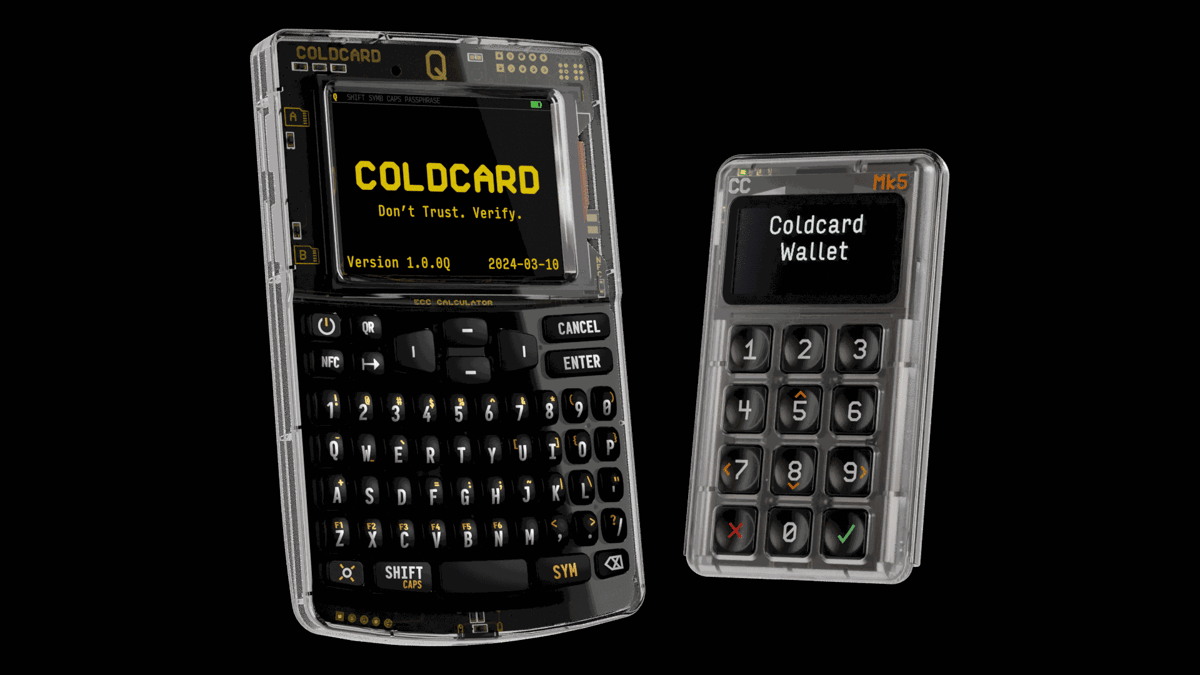
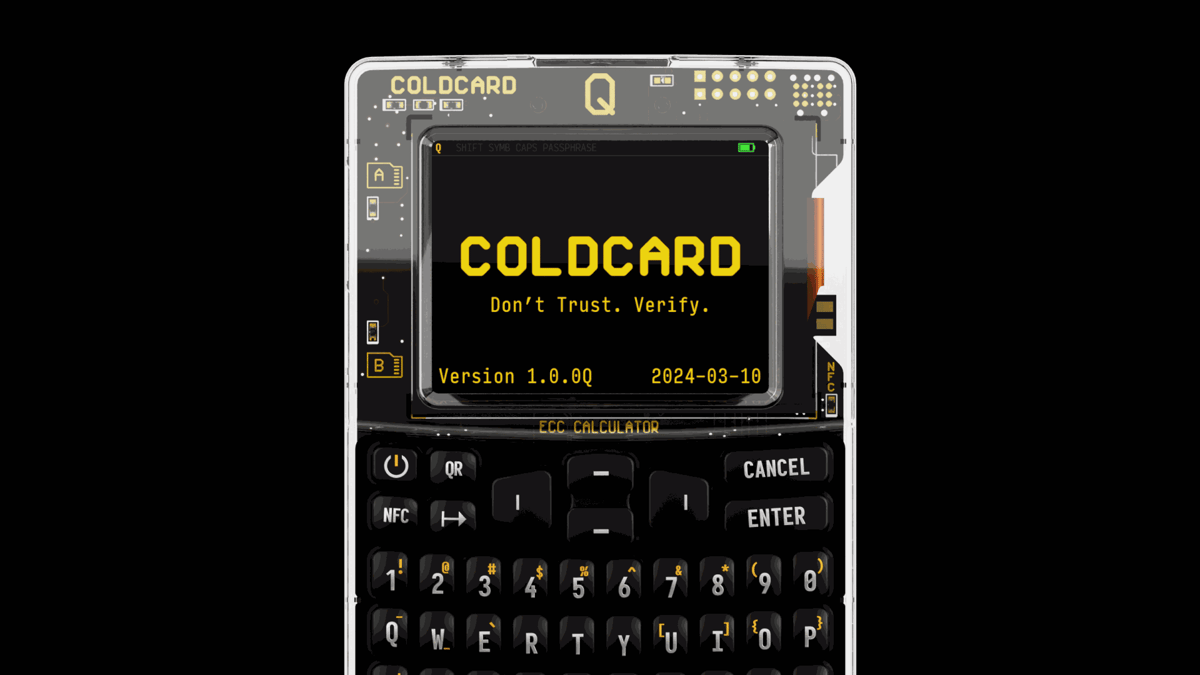
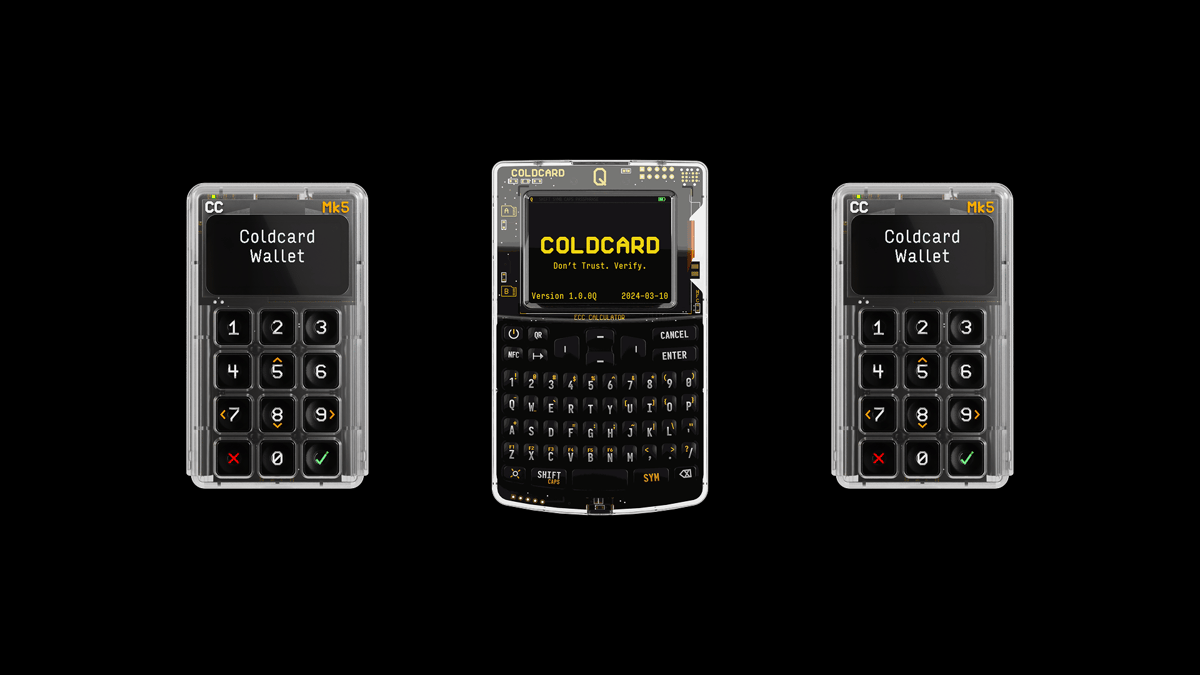
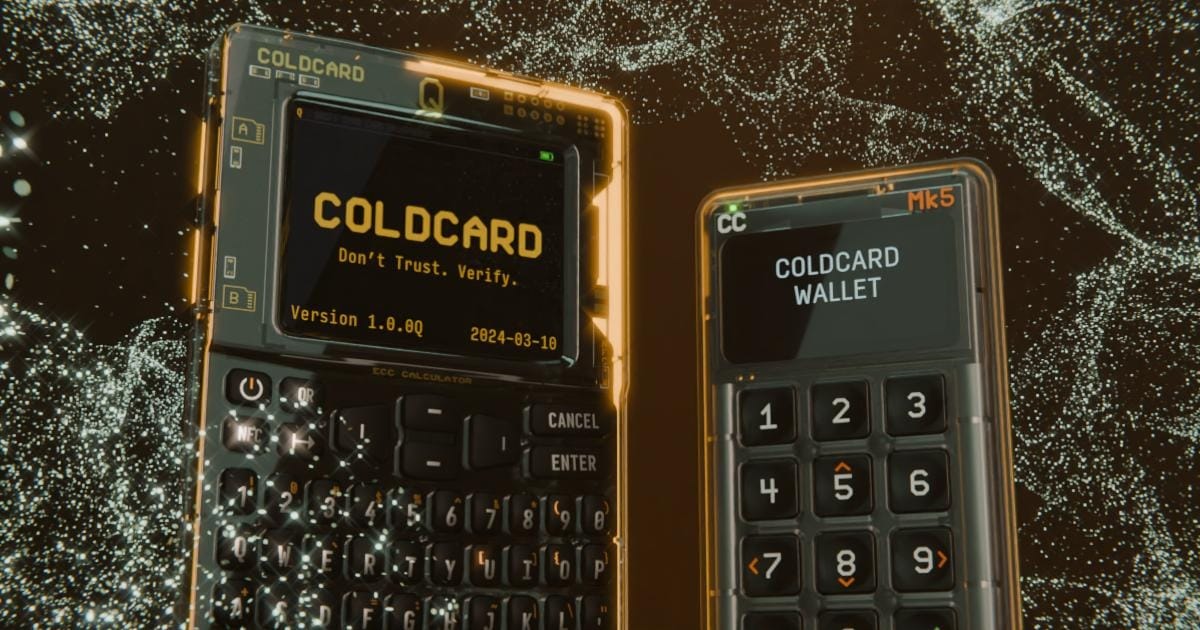
Coldcard Q setup covers bag inspection, setting a two-part PIN with anti-phishing words, generating a seed phrase, and completing the on-device backup verification quiz.
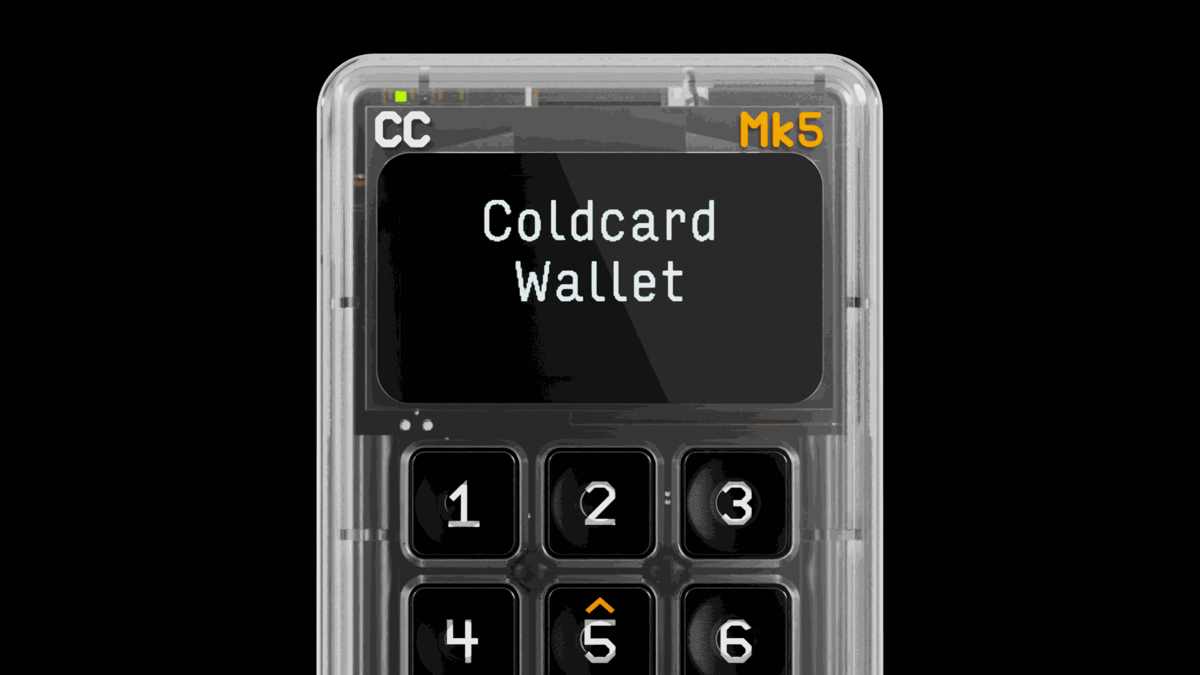
Coldcard Mk5 setup covers bag inspection, setting a two-part PIN with anti-phishing words, generating a seed phrase, and completing the on-device backup verification quiz using the 12-key numeric keypad.
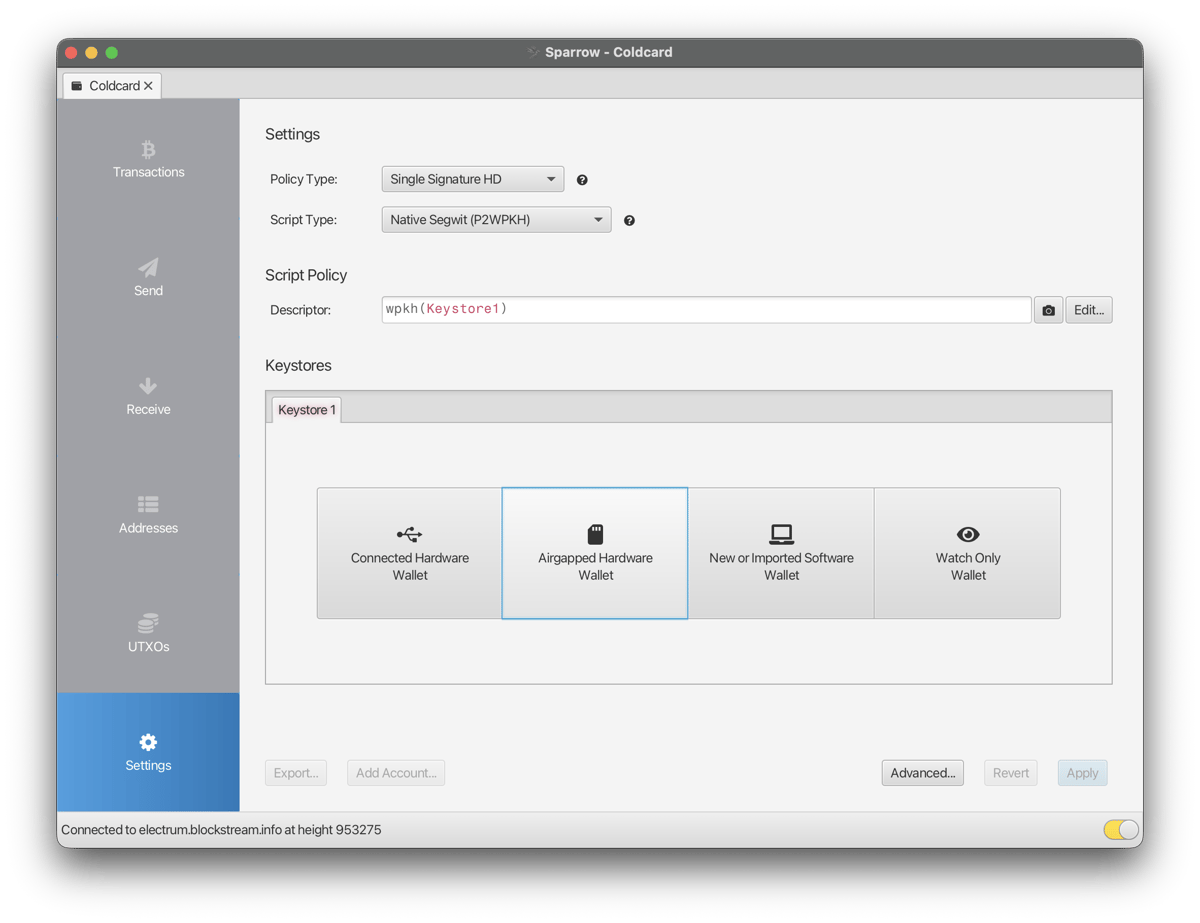
Connecting Coldcard to Sparrow exports your public key via MicroSD, QR, or USB. Sparrow becomes a watch-only wallet that tracks balances and prepares transactions, while the private key stays on Coldcard.
A 2-of-3 multisig vault requires any two of three signing devices to approve each transaction. Setup involves exporting xpubs from each Coldcard, creating the wallet on-device with Create Airgapped, and registering the config on each device.
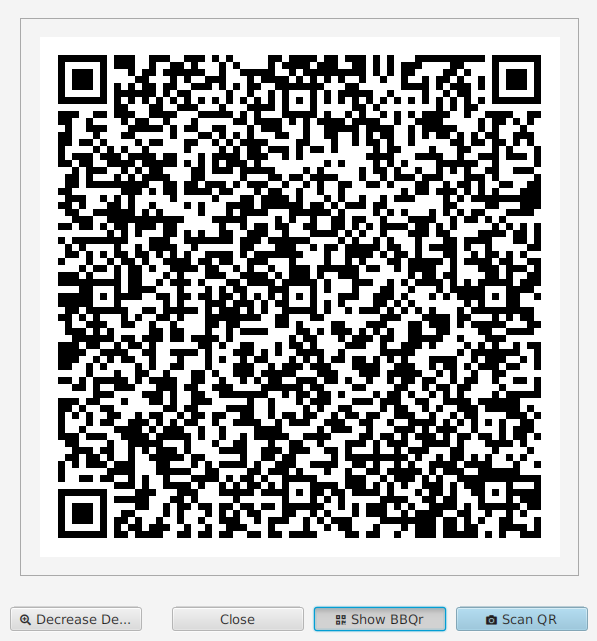
Coldcard Q signs transactions via QR codes and BBQr. Sparrow displays the unsigned transaction as a QR code, Coldcard Q scans, signs, and returns it the same way.
Make COLDCARD the offline seed source for a separate Trezor wallet used for stablecoins or other supported networks.
Make COLDCARD the offline source of a reproducible SeedSigner wallet without sharing your COLDCARD master seed.
Make COLDCARD the offline seed source for a separate Keystone wallet used for stablecoins or other supported networks.
Make COLDCARD the offline seed source for a separate Ledger wallet without importing your COLDCARD master seed.
Make COLDCARD the offline parent for a separate Tangem wallet while acknowledging that Tangem imports the child through a phone.
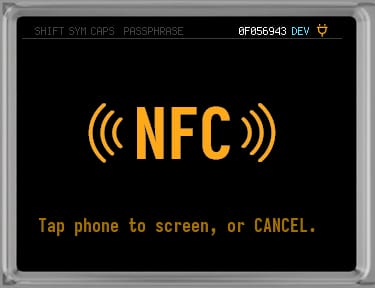
Sign Bitcoin transactions by tapping Coldcard against your phone. Enable NFC once, then sign with a tap in each direction.
Sign Bitcoin transactions with Coldcard Q or Mk5 by passing the transaction back and forth on a MicroSD card. No webcam, no QR codes, no Bluetooth.